DUPLICATE ENTRY
The same information is entered more than once.
Data moves manually between systems, creating delays, errors, and unnecessary administrative work.
LogicAide builds business applications, integration layers, workflow systems, portals, and automation that connect data and processes across disconnected software, teams, and operational tools.
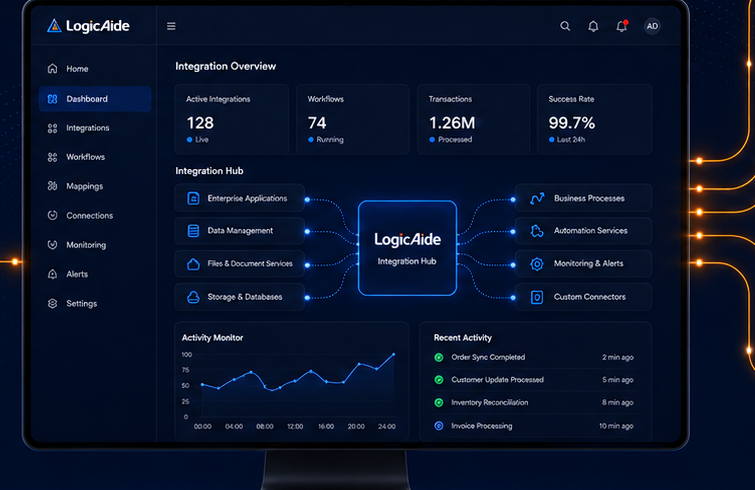
Teams end up copying data, reconciling spreadsheets, switching between systems, chasing status, and re-entering information because the software stack does not behave like one coordinated environment.
Data moves manually between systems, creating delays, errors, and unnecessary administrative work.
Users must remember where each step belongs and how information should move between systems.
Status, ownership, exceptions, and performance are scattered across multiple sources.
The goal is not integration for its own sake. The goal is a simpler, more reliable operating process.
Link applications, cloud services, databases, and operational tools through APIs and integration services.
Trigger updates, route tasks, create records, synchronize data, and reduce repetitive handoffs.
Bring records from multiple systems into a common operational model for reporting and workflow.
Create customer, partner, employee, or administrative interfaces around connected data and actions.
Apply validation, approval logic, routing conditions, permissions, and exception handling.
Consolidate operational data into dashboards, reports, alerts, and management views.
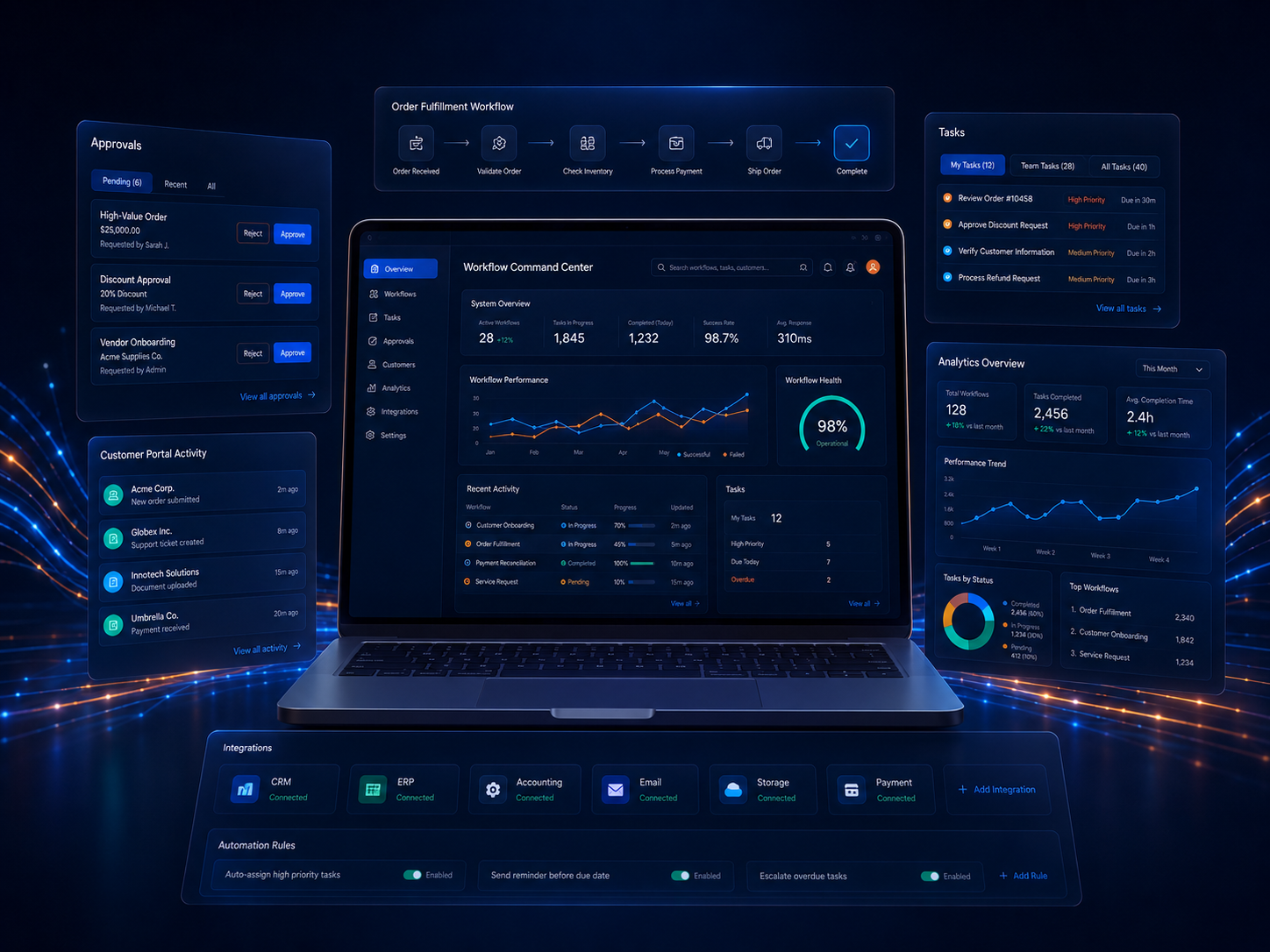
A connected business platform can sit above existing systems and give users one place to manage workflow, approvals, status, exceptions, and reporting without replacing every application underneath it.
The right approach depends on available APIs, data ownership, update frequency, reliability, security, and how critical the workflow is.
Use direct application interfaces when users need current information or immediate actions across systems.
Trigger downstream actions when a status, record, approval, or system event changes.
Move or reconcile data on a controlled schedule when real-time integration is unnecessary.
Keep users in the decision loop where exceptions, judgment, or risk require deliberate review.
Instead of letting every application define the workflow independently, a connected architecture can establish common concepts such as users, customers, projects, orders, tasks, status, and events.
A customer, user, or system creates the initial request.
Required data, ownership, conditions, and business logic are evaluated.
Users approve, adjust, assign, or resolve exceptions where judgment matters.
Relevant source systems are updated without duplicate manual entry.
Dashboards and reports reflect the current state of the workflow.
Users, systems, data, handoffs, pain points, ownership, and business rules.
Source of truth, interfaces, data ownership, events, dependencies, and integration boundaries.
APIs, data models, workflow services, automation, portals, and system actions.
Data quality, permissions, failures, timing, exceptions, and recovery across system boundaries.
Add automation, reporting, interfaces, and new integrations as the workflow changes.
No. A connected business platform can integrate with and extend existing applications instead of replacing everything at once.
Yes, when the available interfaces and security requirements support it. Integration can be real-time, event-driven, scheduled, or user-approved depending on the workflow.
Other approaches may be possible depending on available exports, databases, file interfaces, connectors, or legacy integration options.
Yes. A reporting or operations layer can consolidate relevant data into one view while source systems continue to perform their specialized functions.
We can design the integration around the business process—not just around the software interfaces.