Customers need secure self-service.
Accounts, requests, files, records, status, documents, and services become accessible in one place.
LogicAide designs portals, dashboards, SaaS platforms, internal systems, and browser-based applications that connect users, data, workflows, and services in one purposeful experience.
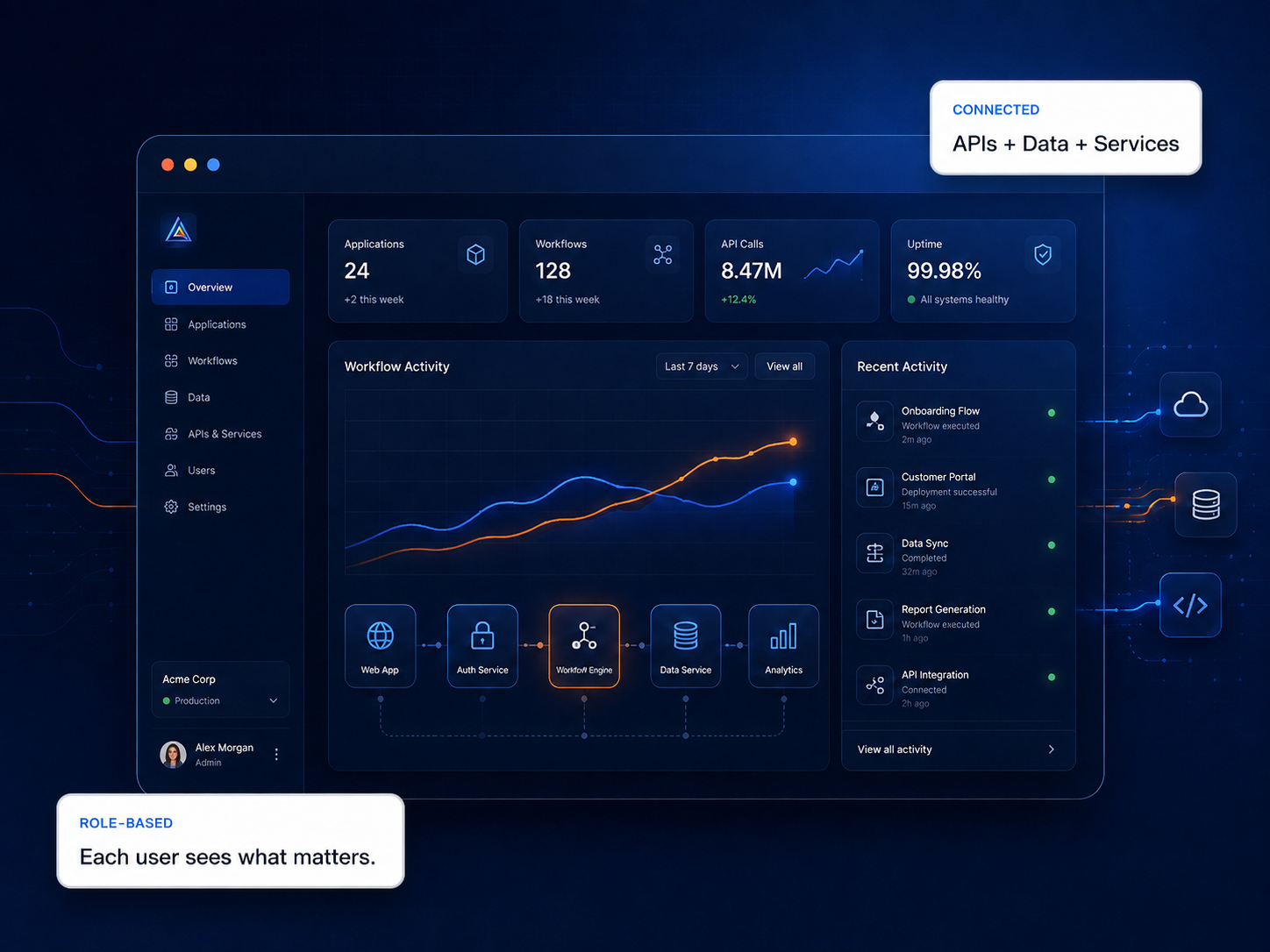
It gives users a secure environment to perform work, manage records, make decisions, access services, and interact with data through a browser.
Accounts, requests, files, records, status, documents, and services become accessible in one place.
Workflow, administration, approvals, tasks, reporting, and status move into a controlled system.
SaaS products can deliver specialized capabilities to many users without local installation.
We design both the visible experience and the application architecture behind it so the system works as one coherent product.
Secure access to account data, requests, files, documents, services, and status.
Portal UX →Workflow, administration, records, approvals, tasks, dashboards, and reporting.
Business apps →Accounts, permissions, subscriptions, product workflows, data, and scalable delivery.
SaaS architecture →Operational visibility, trends, status, reporting, and decision-support interfaces.
Data experiences →Specialized inputs, logic, visualization, validation, and controlled results.
Interactive tools →Front-end experiences backed by connected services, business systems, and data sources.
Connected systems →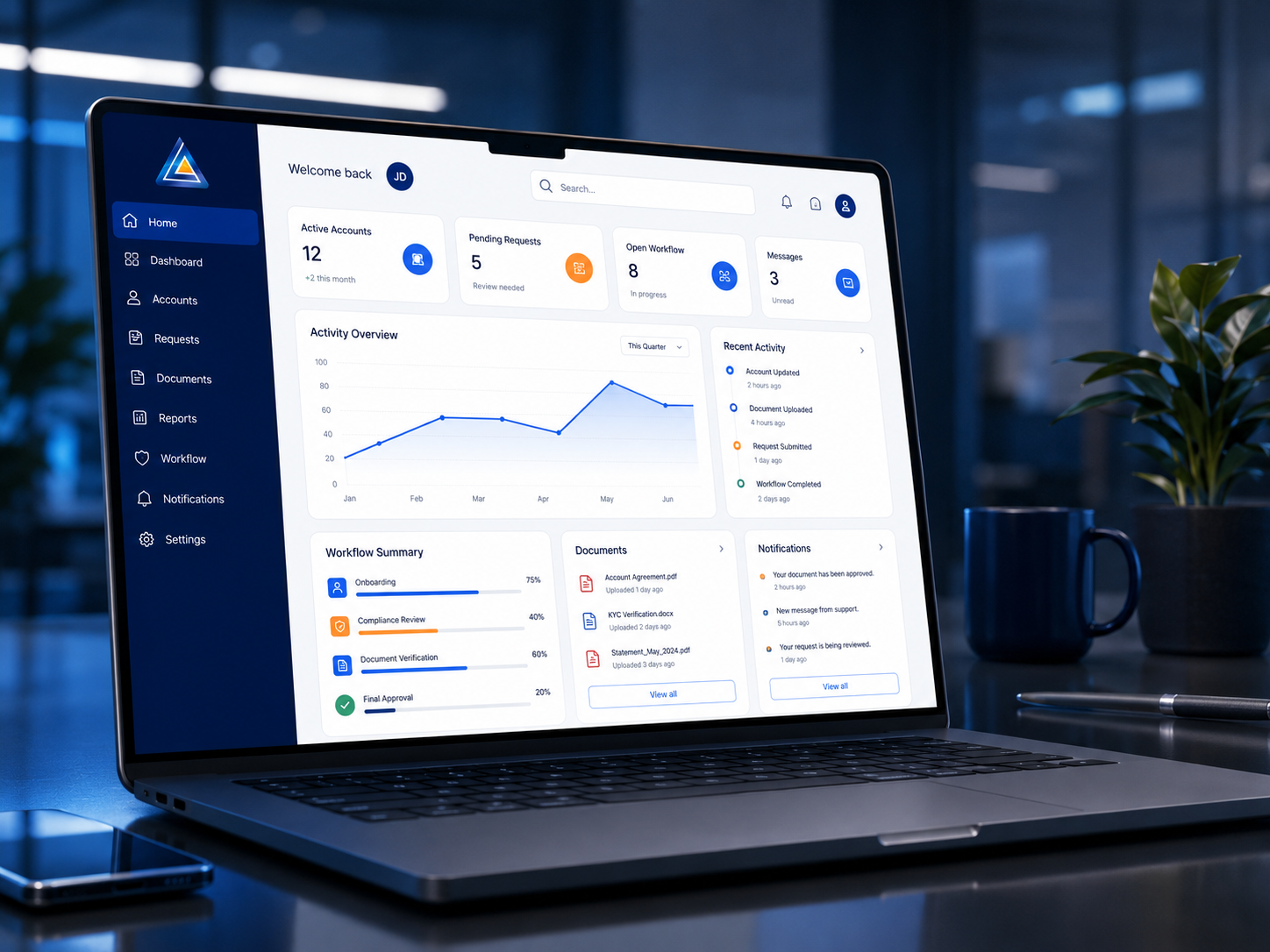
Strong web applications hide complexity without hiding important information. Navigation, state, permissions, feedback, data density, and task flow all have to be deliberate.
A robust web application may include frontend components, backend services, databases, authentication, APIs, business logic, integrations, deployment infrastructure, and administrative tooling.
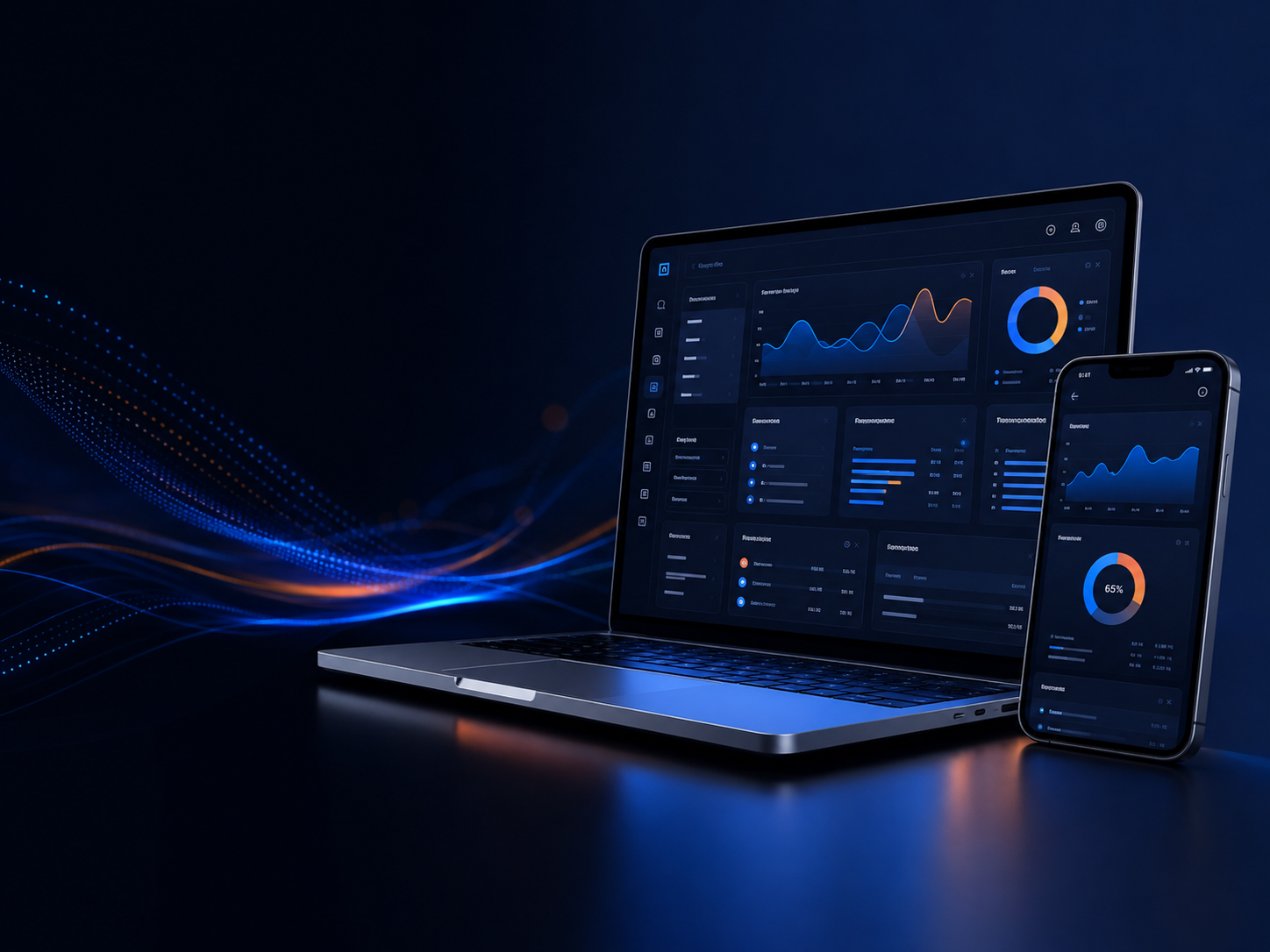
Bring dashboards, workflows, analytics, mobile views, and administration into one connected application.
Requests, records, documents, account data, and status.
Tasks, approvals, status, records, and operational visibility.
Performance, trends, bottlenecks, exceptions, and reporting.
Users, permissions, configuration, settings, and governance.
Roles, goals, current process, business rules, data, and technical constraints.
Navigation, information architecture, task flow, states, responsive behavior, and interaction.
Frontend, backend, data, APIs, permissions, integrations, testing, and deployment.
Usability, permissions, data integrity, integrations, performance, and edge cases.
Refine UX, performance, reporting, automation, integrations, and product capabilities over time.
A website primarily presents information, while a web application supports user-specific actions, workflows, records, calculations, data, or interactive services.
Yes. Responsive web applications can be designed for desktop, tablet, and mobile use depending on the workflow and interaction requirements.
Yes. Role-based access is a common requirement for customer portals, internal systems, SaaS products, and administrative applications.
Yes. APIs, databases, cloud services, and integration layers can connect the application to existing business systems and data.
That usually reveals what the web application actually needs to become.