WORKFLOW FRICTION
People are working around the software.
Spreadsheets, email, duplicate entry, manual approvals, and side processes are compensating for what the current system cannot do.
LogicAide designs purpose-built software for specialized workflows, technical logic, complex operations, connected systems, and business processes that standard products cannot handle well.
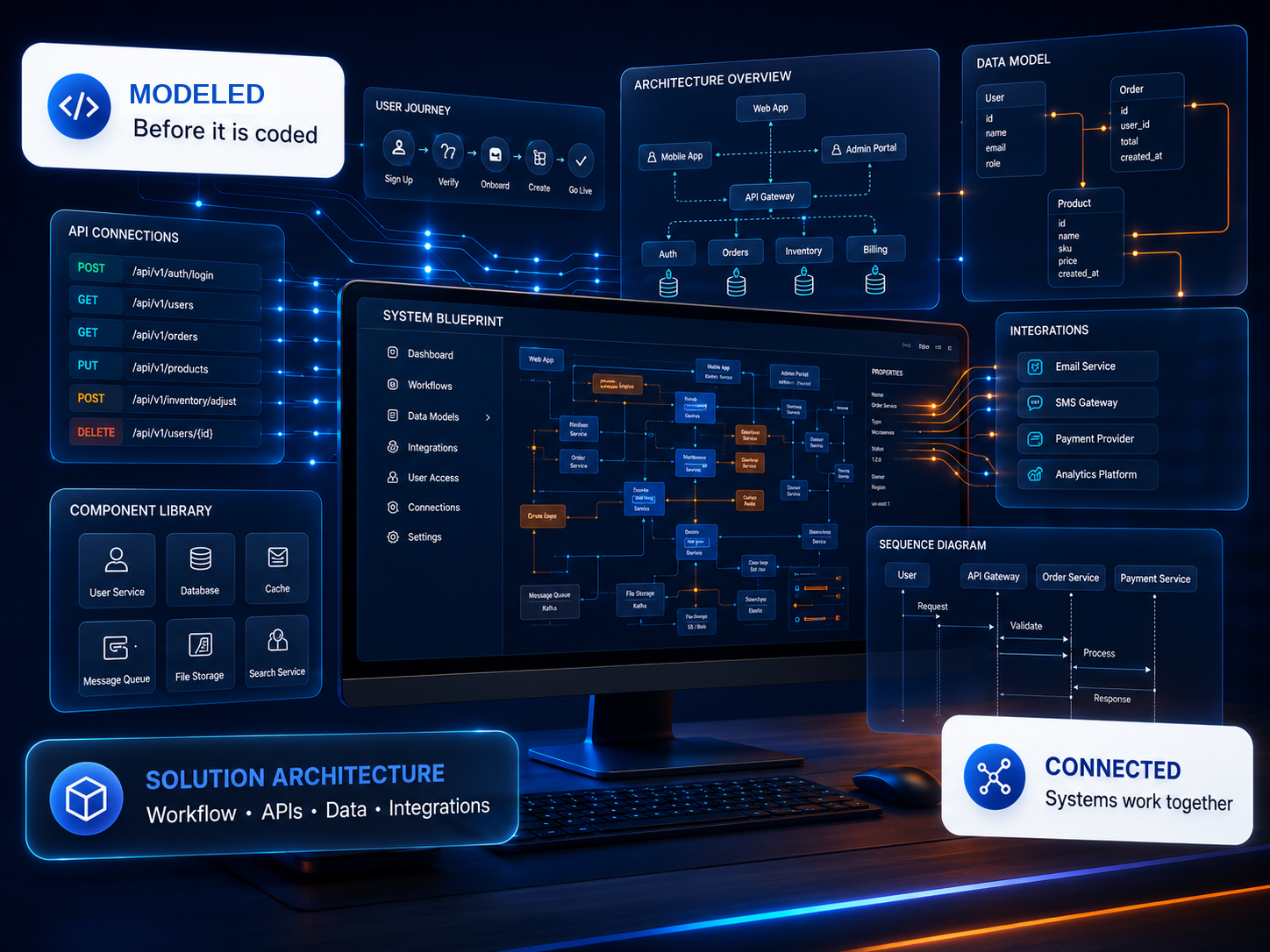
Custom software becomes valuable when the process itself is important enough that forcing it into a generic product creates more work, risk, or limitation than it removes.
Spreadsheets, email, duplicate entry, manual approvals, and side processes are compensating for what the current system cannot do.
Calculations, validation, equipment data, decision logic, exception paths, or domain-specific requirements need to exist inside the application.
Applications, databases, APIs, files, equipment, and teams need a deliberate architecture instead of more manual handoffs.
Architecture, usability, performance, deployment, reporting, or maintenance no longer support where the organization needs to go.
We design the system around the workflow first, then decide what belongs in the web application, mobile experience, data layer, integrations, automation, and infrastructure.
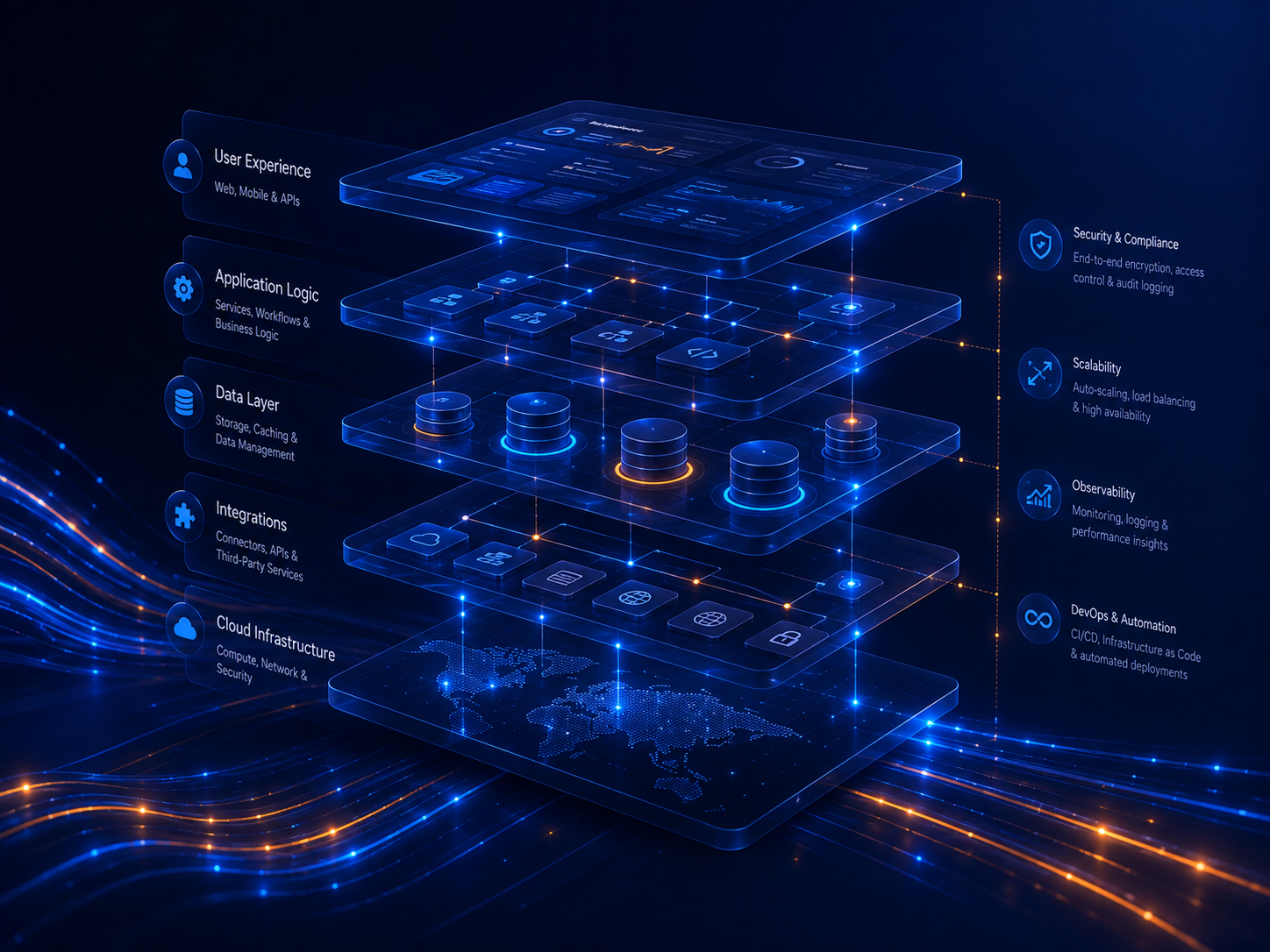
The visible application is only one layer. Strong custom software depends on architecture, application logic, data design, integrations, deployment, security, and a user experience that makes complexity manageable.
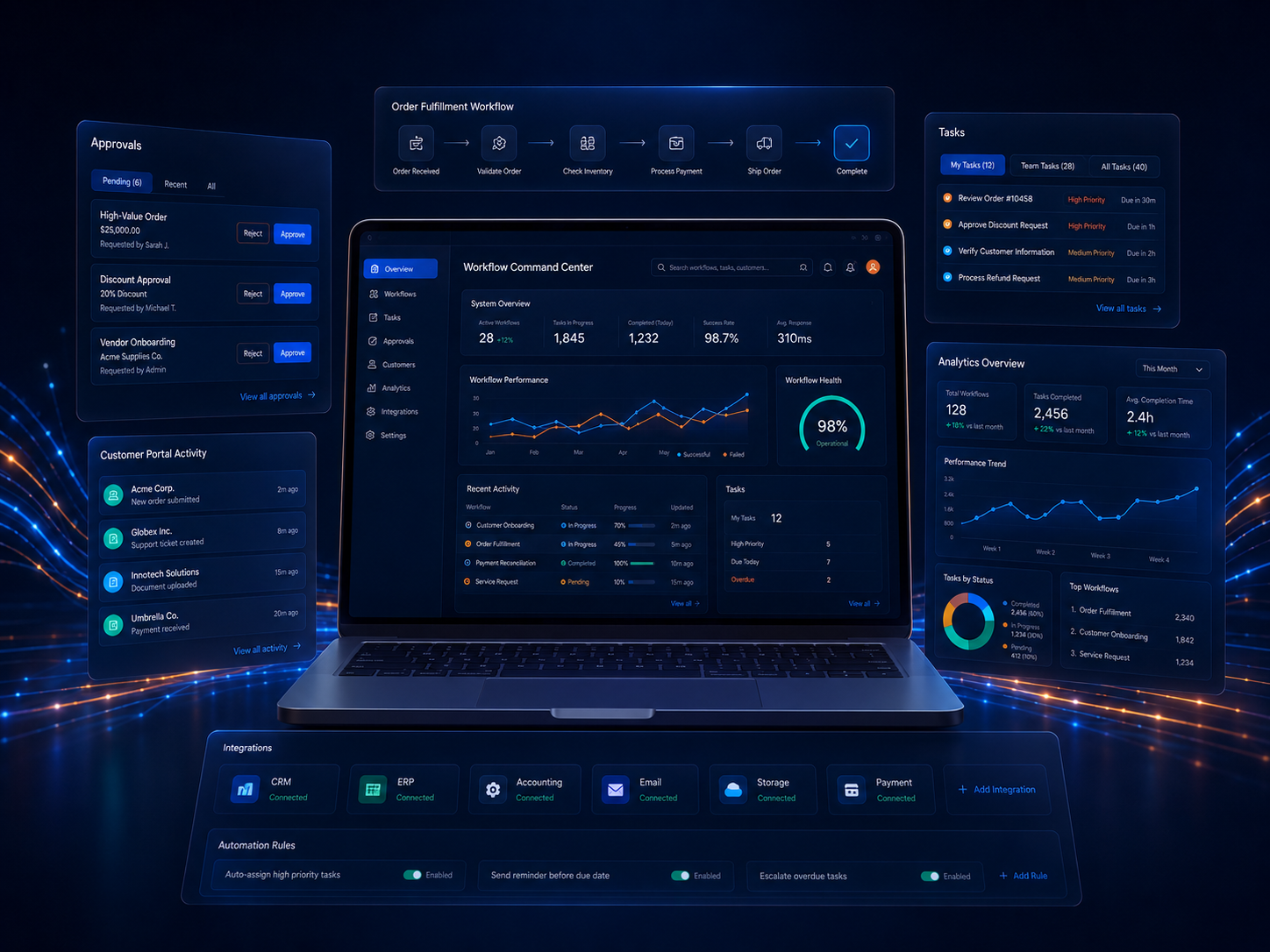
This is a representative system concept—not a claimed client case study. It shows how one platform can connect work intake, users, operational status, records, rules, and reporting.
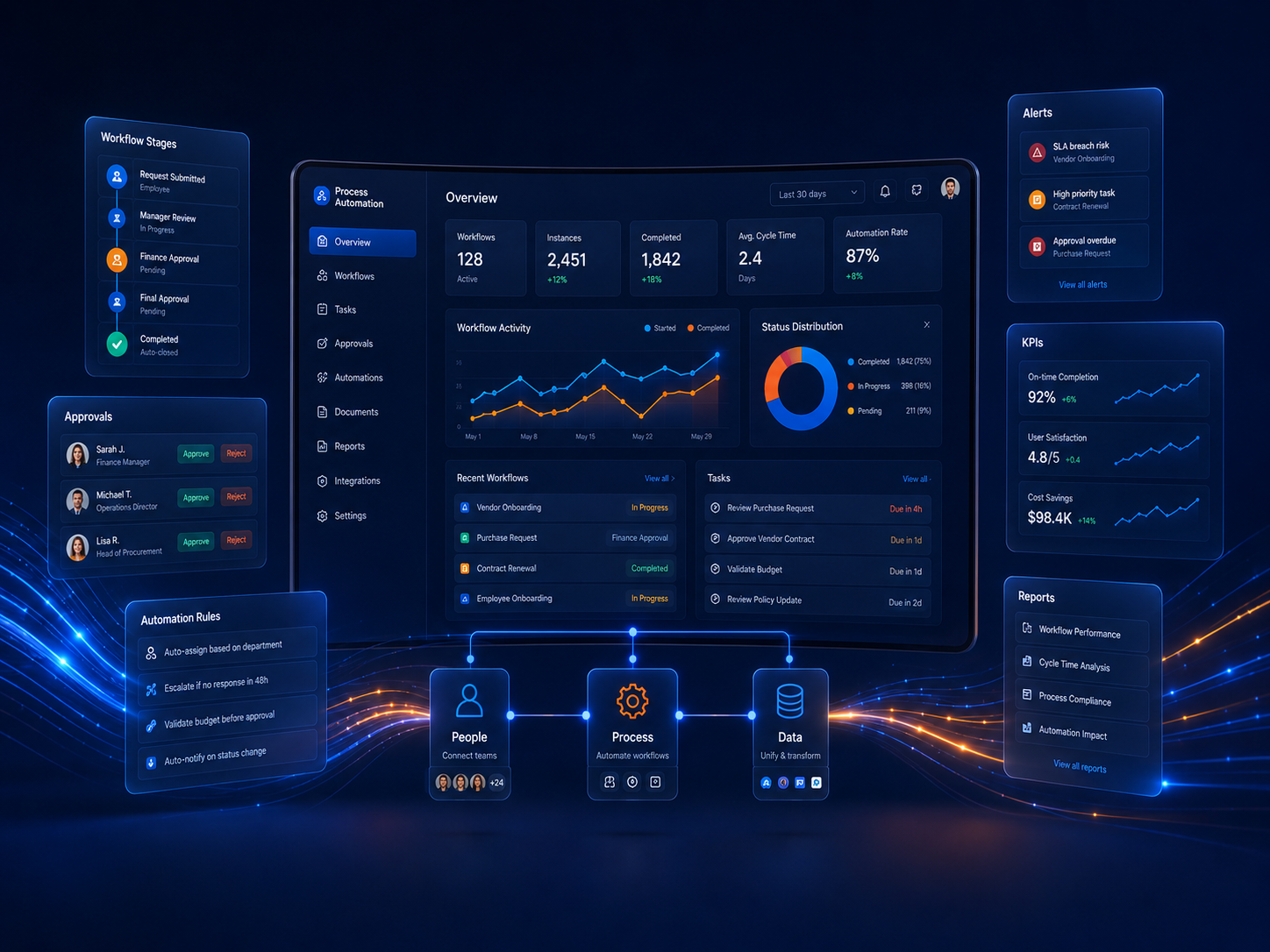
Roles, context, permissions, and real operating conditions.
States, handoffs, exceptions, approvals, and automation.
Records, ownership, validation, history, and reporting.
Business logic, calculations, technical requirements, and decisions.
Complex software rarely becomes clear all at once. The process should reduce uncertainty early and keep technical decisions connected to the business objective.
Goals, users, systems, constraints, technical requirements, and success criteria.
States, data, rules, roles, integrations, and the boundaries of the solution.
Interface direction, workflow behavior, technical risks, and early validation.
Software, integration, testing, review, and focused iteration.
Expected behavior, user review, deployment preparation, and production checks.
Support, maintenance, new features, integrations, and long-term refinement.
When the workflow, integration requirements, technical logic, user experience, or long-term constraints are important enough that adapting the business to generic software creates more cost or limitation than value.
Yes. A new platform can integrate with, extend, or gradually replace existing applications, databases, APIs, cloud services, and legacy processes.
No. A strong discovery phase can begin with the business objective, current workflow, users, pain points, constraints, and known technical requirements. The detailed system can then be shaped deliberately.
Yes. Those are implementation capabilities, not separate problems. If the workflow benefits from several of them, they can be designed as connected parts of one solution.
We can help determine what should be simplified, connected, automated, or rebuilt.