CALCULATIONS
The software must get the technical logic right.
Formulas, units, limits, conversions, validation, and derived results need controlled implementation.
LogicAide develops engineering applications, calculation systems, equipment interfaces, automation workflows, technical data platforms, and software for specialized scientific and operational environments.
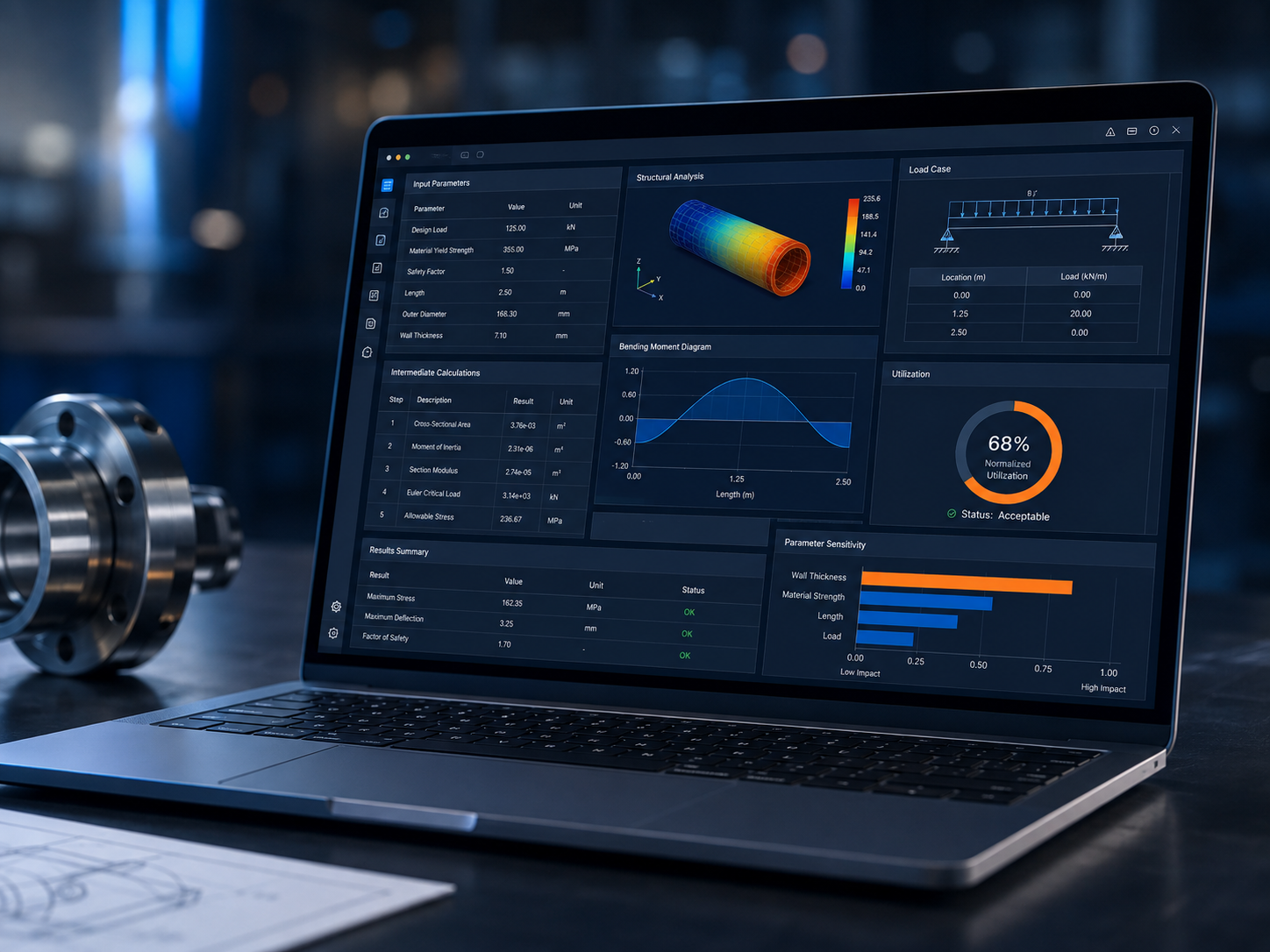
Engineering software has to represent the process accurately. That can mean calculations, equipment states, test sequences, data quality rules, traceability, units, tolerances, or specialized domain logic.
Formulas, units, limits, conversions, validation, and derived results need controlled implementation.
Instruments, controllers, test systems, and equipment interfaces become part of the software workflow.
Inputs, status, calculations, revisions, test conditions, and outputs need a disciplined digital record.
These systems can be standalone applications or connected parts of a larger automation, operations, or data platform.
Controlled inputs, formulas, units, validation, results, and technical reports.
Acquisition, device interaction, sequence control, visualization, and reporting.
Sequences, decision logic, task orchestration, system control, and operator guidance.
Connect operators and business systems to technical hardware and instruments.
Structure, analyze, visualize, compare, and report specialized technical data.
Custom applications built around procedures, models, rules, and specialized technical methods.
The architecture should make the important technical states visible—from raw inputs through validation, calculations, decisions, and reporting.
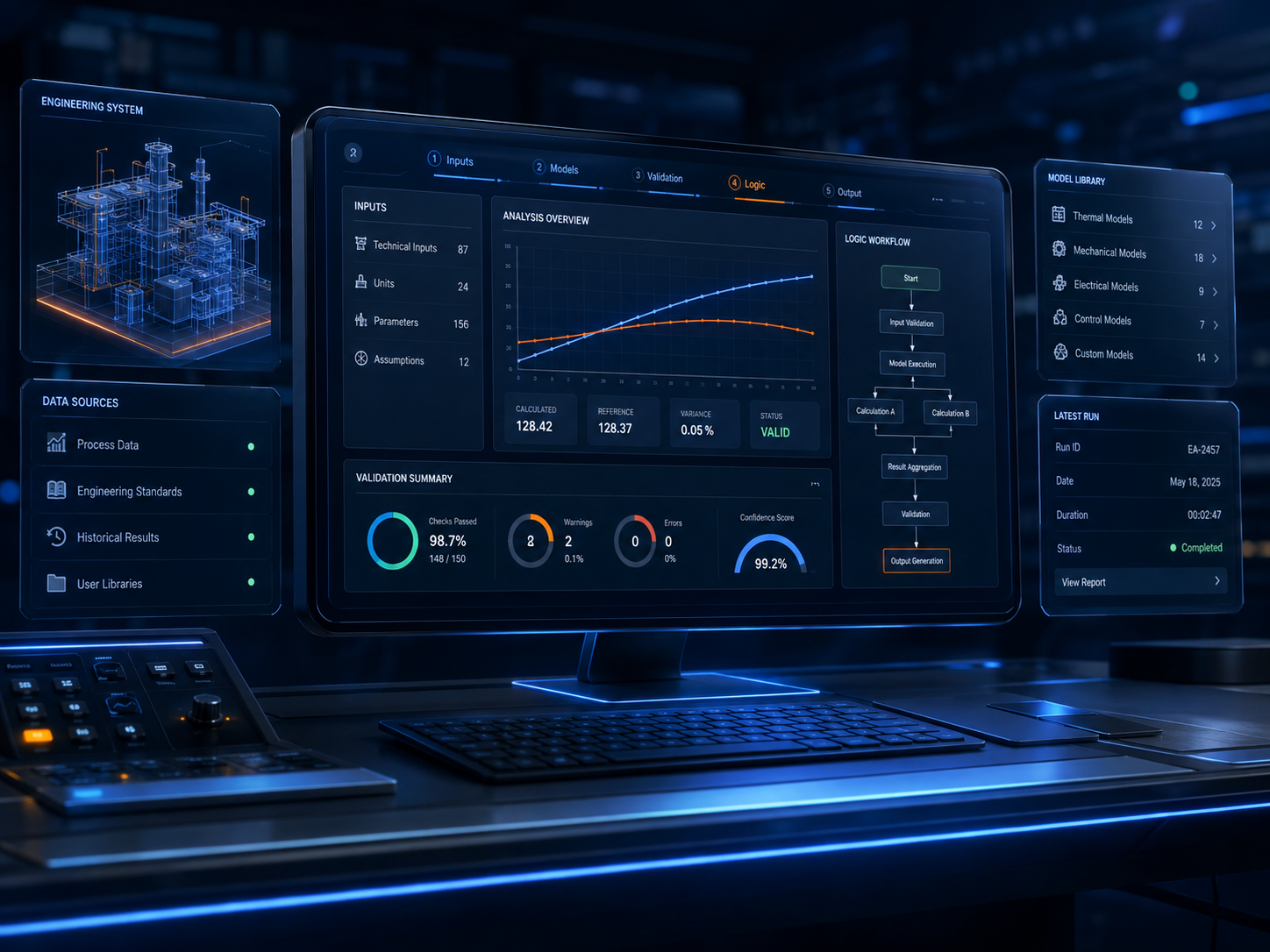
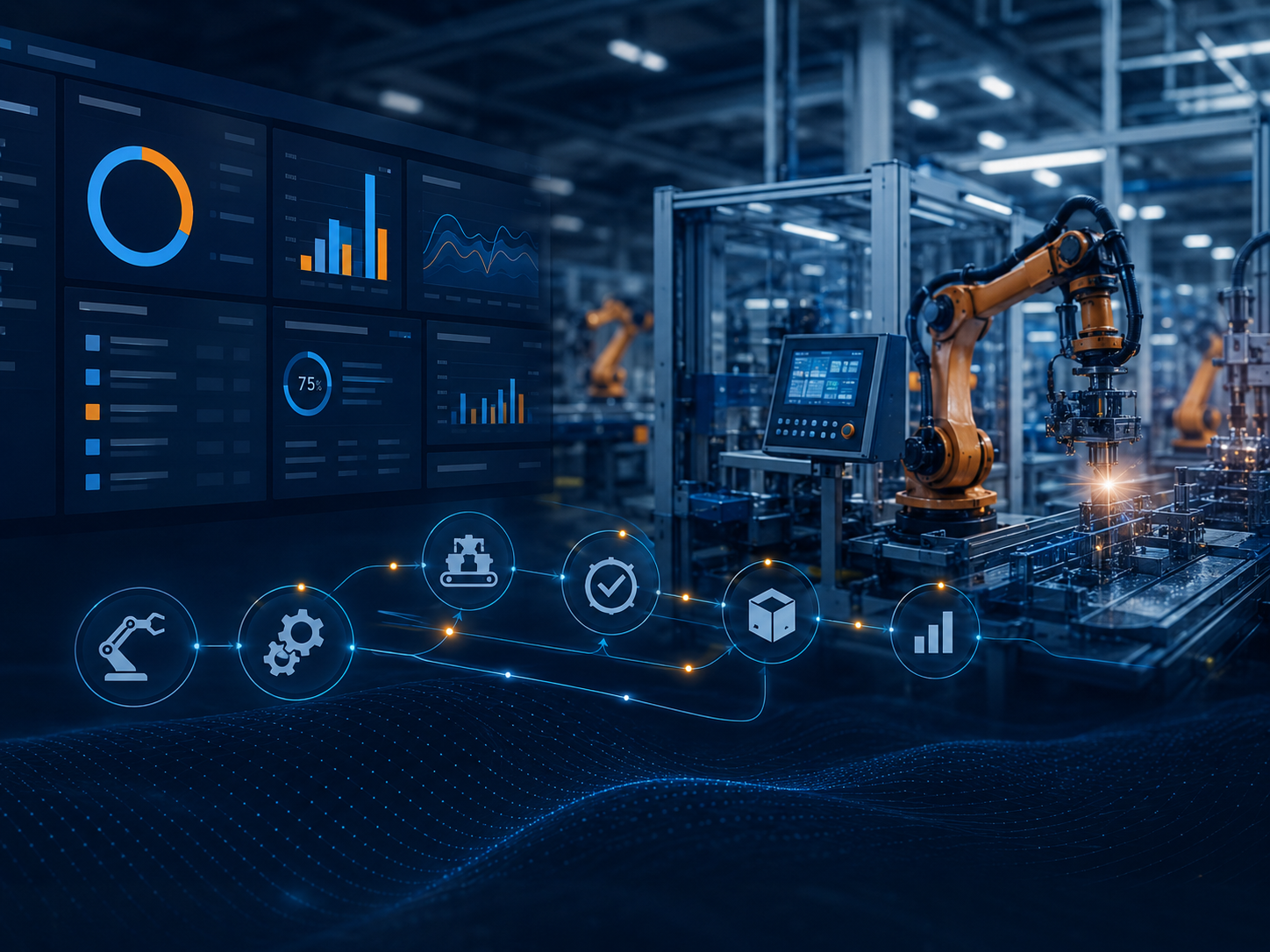
Automation projects often require the application to coordinate equipment, procedures, operator decisions, data capture, validation conditions, and reporting.
Read instruments, devices, files, sensors, or operator input.
Check status, limits, ranges, completeness, and data quality.
Apply equations, logic, procedures, conversions, and models.
Determine state, compliance, next action, or operator guidance.
Create structured results, records, dashboards, or technical reports.
Bring specialized inputs, technical models, validation, results, history, and reporting into one controlled software environment.
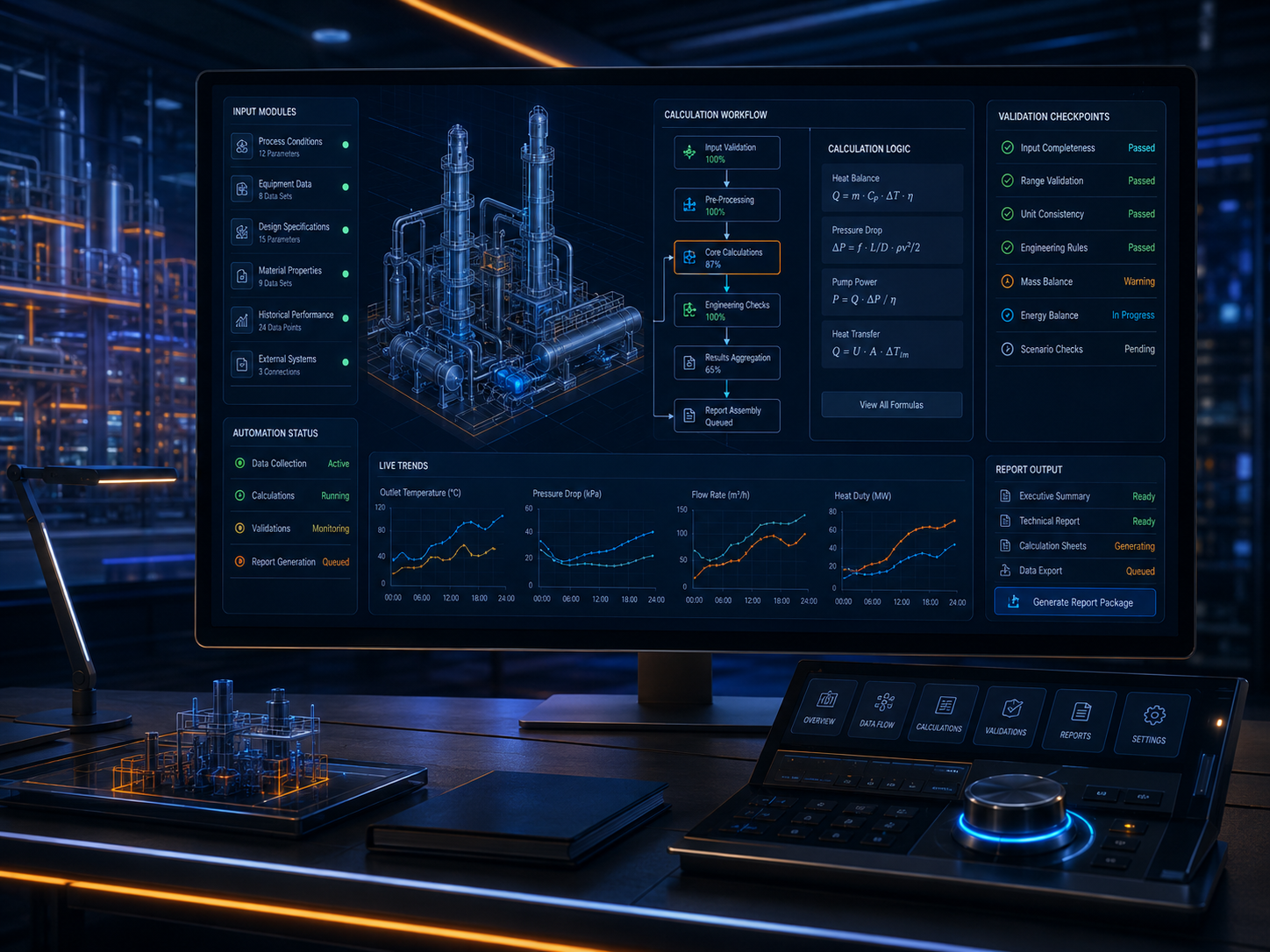
Users, procedures, equipment, inputs, outputs, calculations, constraints, and failure modes.
Data structures, calculations, state logic, validation, interfaces, and system boundaries.
Application logic, equipment communication, data, UI, integrations, and reporting.
Reference calculations, known datasets, equipment states, user review, and edge cases.
Add capabilities as equipment, procedures, data, users, and technical requirements change.
Potentially, yes. The design depends on available protocols, drivers, APIs, device interfaces, timing requirements, and hardware constraints.
Yes. Technical software can be tested against reference calculations, known datasets, expected behavior, and other suitable validation methods.
Yes. Automation can include sequence control, equipment interaction, data acquisition, validation, operator prompts, decisions, and reporting.
Yes. Technical applications can connect to databases, APIs, cloud services, operations platforms, portals, and reporting systems when the workflow requires it.
That is where the software design should begin.